Job profitability and WIP
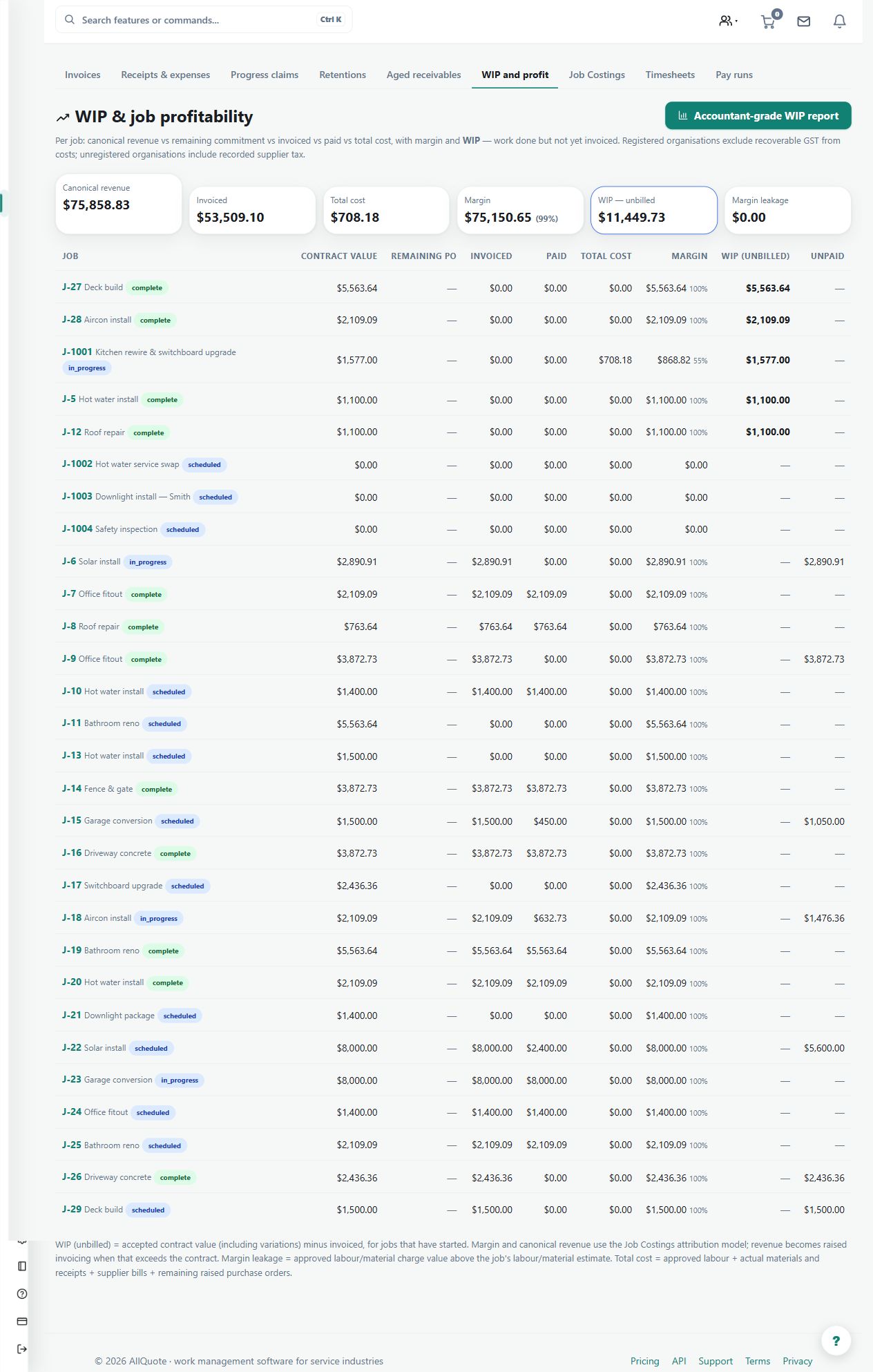
Shows Team-plan job profitability and work in progress from the money already recorded against each job.
Use the current WIP dashboard to inspect the financial position of open jobs from recorded contract values, invoices and costs.
Before you start
Availability: Team plan and above. Enabled business features, role permissions, connected providers and supported devices may add requirements.
Documented roles: Owner, Office. A role name alone does not override the permissions set by your business.
Where to find it: Money > WIP & job profitability.
Make sure time, receipts, supplier bills and invoices are allocated to the right job. Choose the report suitable for the question: current overview or a dated accounting report.
Using this guide in United States
- Set your business country in Business settings before entering customer addresses or preparing documents. The country selected on the public website does not change an existing business.
- Check the business currency (USD), time zone and document tax settings. Only enable tax collection if your business is registered and the settings match your requirements. Your customer invoice tax settings are separate from tax on your AllQuote subscription.
- Screenshots use demonstration records. Their sample currency, addresses and tax amounts do not override your business settings.
Step by step
- Open WIP & job profitability at /wip to review the current Team-plan dashboard.
- Review each open job's quoted or contract value, recognised work, invoiced amount, costs and current profit position.
- Open a job when a figure needs checking, then correct the source invoice, approved time, receipt, expense or supplier bill rather than editing the report.
- For an as-at date, use the Business Job Costings workspace at /job-costings or the Accountant-grade WIP report at /wip/report; the Team /wip dashboard has no reporting-date control.
Worked example
Review an open installation whose costs are increasing faster than invoicing. Open the underlying job to investigate missing billing or incorrectly allocated cost records.
This is an illustrative scenario. Use your own approved scope, quantities, rates and business rules.
Check the result
Reconcile unusual totals to source records and correct those records. Compare jobs using the same scope and reporting basis rather than treating a headline profit figure as self-explanatory.
Limits and troubleshooting
The Team /wip dashboard has no reporting-date control. Use the Business Job Costings or Accountant-grade WIP workflow for an as-at question; missing source costs can overstate apparent profitability.
Check current plans and feature availability · Browse every guide