Contractor portal
Gives a charge-out contractor a revocable link to their assigned work: job details without prices, photo upload, and accept/decline offers.
Use a revocable contractor link for assigned work, photos and offer responses without exposing job prices.
Before you start
Availability: Team plan and above. Enabled business features, role permissions, connected providers and supported devices may add requirements.
Documented roles: Owner, Office. A role name alone does not override the permissions set by your business.
Where to find it: Team > Contractor > Portal link.
Choose the correct contractor rate card and confirm which work should be available. Copy the issued link immediately and share it only with the intended contractor.
Using this guide in United States
- Set your business country in Business settings before entering customer addresses or preparing documents. The country selected on the public website does not change an existing business.
- Check the business currency (USD), time zone and document tax settings. Only enable tax collection if your business is registered and the settings match your requirements. Your customer invoice tax settings are separate from tax on your AllQuote subscription.
- Screenshots use demonstration records. Their sample currency, addresses and tax amounts do not override your business settings.
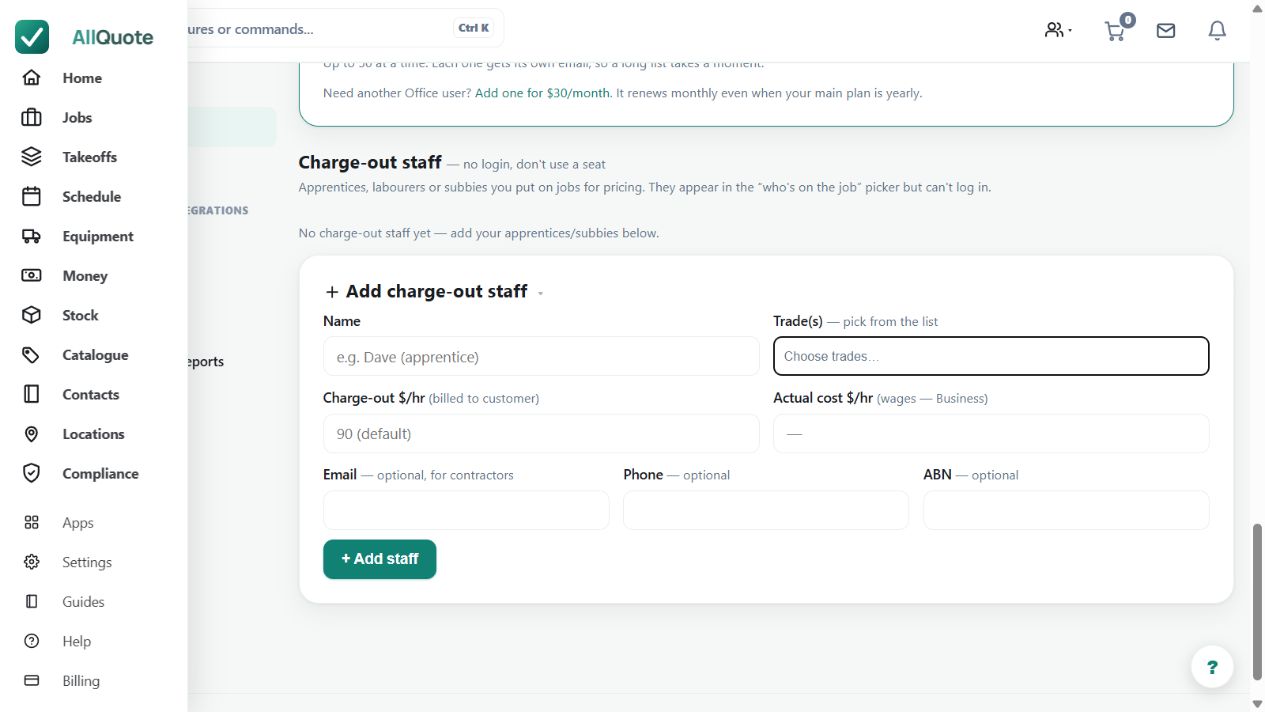
Step by step
- Open Team, choose the contractor's rate card, and issue the portal link.
- Copy the link straight away - it is shown once and only its hash is stored, so it cannot be displayed again.
- The contractor opens the link to see assigned jobs (no prices), upload photos, and accept or decline offers.
- Revoke the link from the same rate card when access should end; the old link returns 404 on its next request.
Worked example
Issue the portal link, have the contractor inspect an assigned job and accept or decline the offer, then revoke the link when access should end.
This is an illustrative scenario. Use your own approved scope, quantities, rates and business rules.
Check the result
Check the assignment and response, and verify that a revoked link no longer opens the portal.
Limits and troubleshooting
The link is shown once and only its hash is stored. Treat it as access-bearing information; it is not a general team login and does not grant office financial visibility.
Check current plans and feature availability · Browse every guide