Business dashboard
Provides configurable BI dashboards for money, jobs, labour, reports, and stock signals.
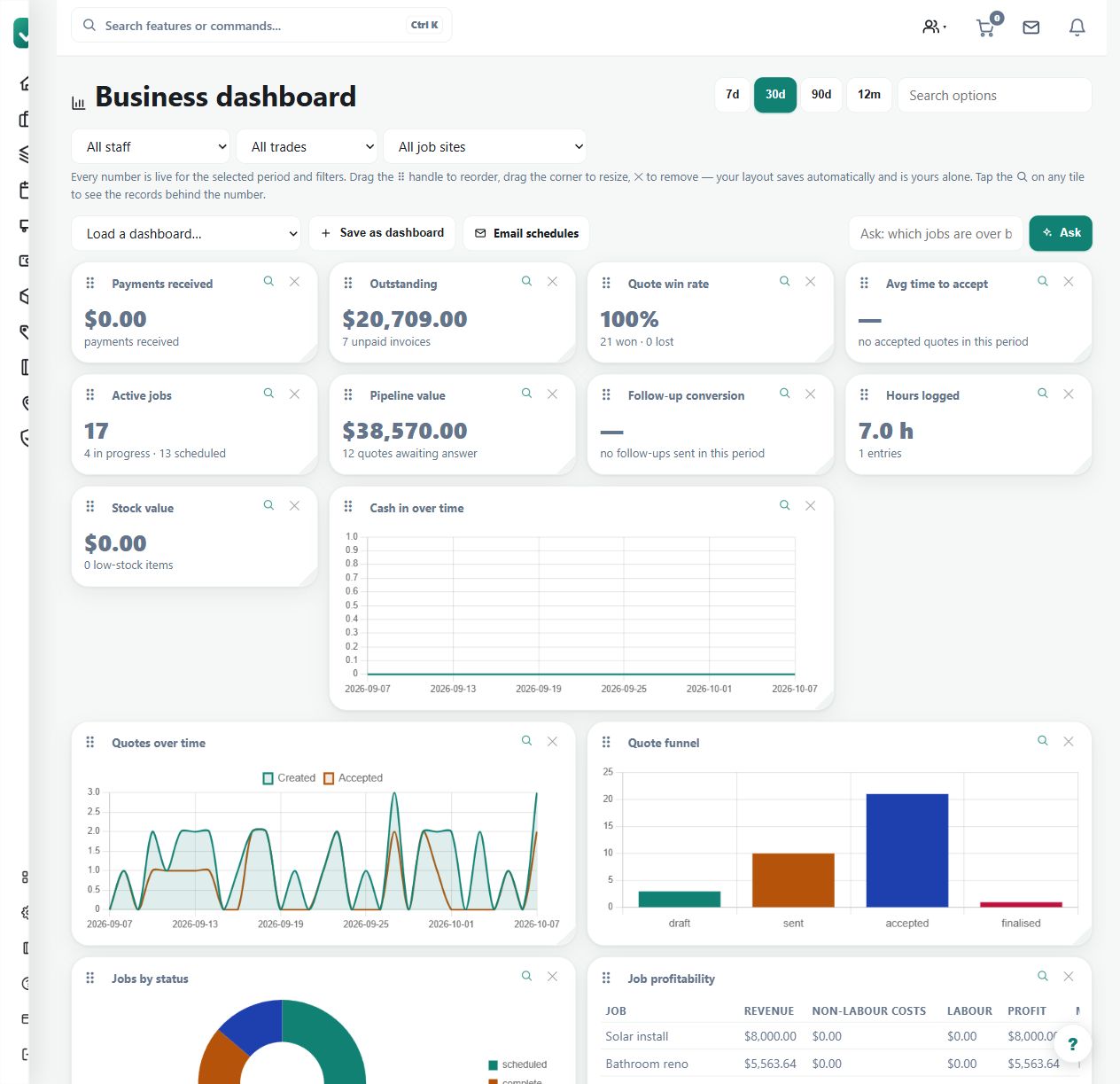
Use the business dashboard for an overview of recorded money, jobs, labour and stock signals, with drill-downs for investigation.
Before you start
Availability: Team plan and above. Enabled business features, role permissions, connected providers and supported devices may add requirements.
Documented roles: Owner, Office. A role name alone does not override the permissions set by your business.
Where to find it: Reports > Business dashboard.
Confirm the selected business and available widgets. Keep the underlying operational records current before relying on the overview.
Using this guide in United Kingdom
- Set your business country in Business settings before entering customer addresses or preparing documents. The country selected on the public website does not change an existing business.
- Check the business currency (GBP), time zone and document tax settings. Only enable tax collection if your business is registered and the settings match your requirements. Your customer invoice tax settings are separate from tax on your AllQuote subscription.
- Screenshots use demonstration records. Their sample currency, addresses and tax amounts do not override your business settings.
Step by step
- Open Business Dashboard at /bi.
- Review the dashboard widgets for money, jobs, labour, reports, and stock signals.
- Use widget links or drill-downs to inspect the underlying records.
- Save dashboard layout changes where the dashboard allows editing.
Worked example
Spot an unusual money or workload signal, open the associated drill-down and inspect the records that explain it.
This is an illustrative scenario. Use your own approved scope, quantities, rates and business rules.
Check the result
Check the widget's scope and period against the detailed report or job. Save layout changes only after confirming the intended view.
Limits and troubleshooting
A dashboard is not a substitute for source-record reconciliation. A visually clear total can still be incomplete when time, bills or payments have not been recorded.
Check current plans and feature availability · Browse every guide