Commercial contractor software that connects the estimate to delivery.
Commercial work needs more than a fast quote. Keep measured scope, staged work, crew activity and commercial records connected so your office can review changes and costs as the job progresses.
For UK contractors and field-service businesses. Tools, limits and connected services vary by plan and provider availability. Check current availability and pricing.
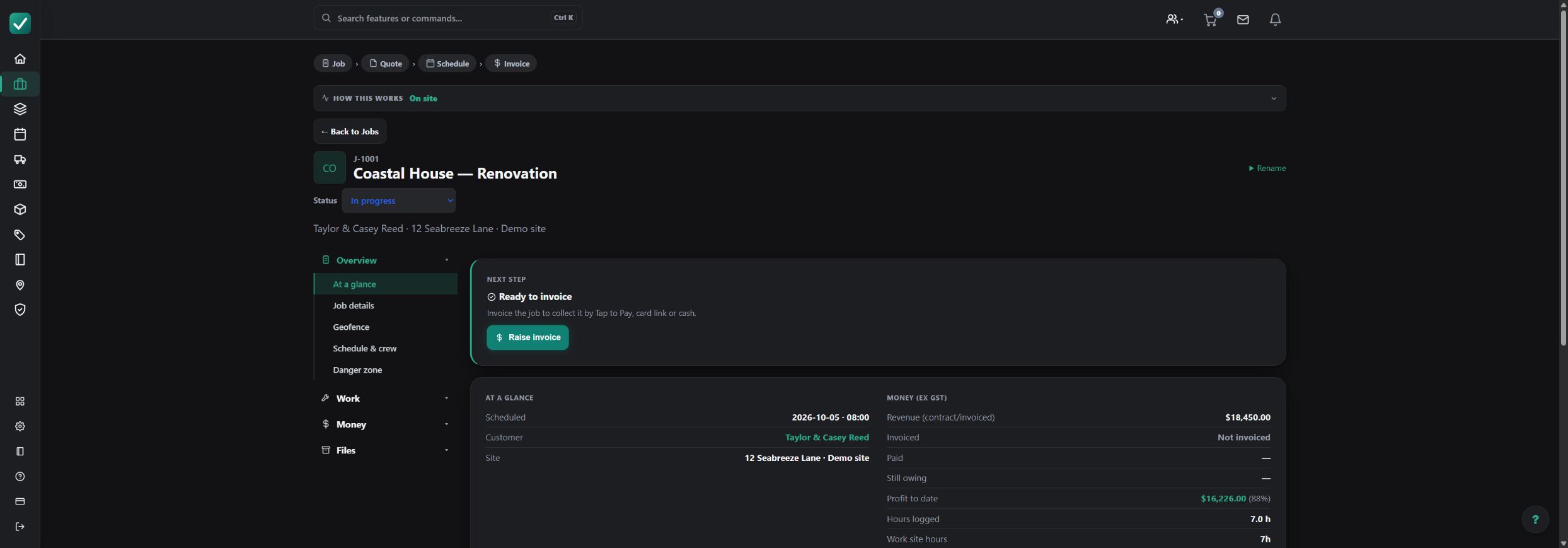
How the workflow fits together
Estimate the work package
Review plan quantities, trade scope, material and labour rates, exclusions and allowances. Use calibrated takeoff and assemblies where included in your plan.
Coordinate delivery
Plan job stages and visits, allocate crews and equipment, and keep current drawings and instructions available with the job.
Record progress and change
Collect field time, photos, tasks and costs. Keep variations explicit so the office can distinguish agreed work from a change that still needs review.
Review the commercial position
Use job costing and available progress-claim and retention tools to review the financial record. Reconcile issued documents and payments before treating a stage as settled.
Worked example: an electrical fit-out package
Illustrative commercial workflow: follow an electrical fit-out from measured scope through site delivery and commercial review.
| Item or stage | Input | Result |
|---|---|---|
| Estimate | Lighting counts, cable runs and labour | Reviewed work-package quote |
| Delivery | Rough-in and fit-off visits | Allocated crew and field records |
| Scope change | Revised fixture layout | Reviewed variation and changed quantities |
| Commercial review | Recorded costs and issued claims | Reconciled job position |
Agree the contract stages and approval process, then check which tools and limits your AllQuote plan includes.
What to check before you commit
Keep the estimate connected
Retain the scope, assumptions and drawings behind the price so revised work can be reviewed against an understandable baseline.
Give each role the right view
Office and allocated field staff need different information. Validate your role and job-access setup before onboarding a crew.
Evaluate with a representative project
Trial your own plan set, work packages, crew structure, document requirements and accounting process. Confirm capacity and fit before a wider rollout.
Questions about commercial contractor software
Which businesses is AllQuote designed for?
Trade contractors, commercial project teams and field-service businesses can connect estimating, crew scheduling, job costs, variations, progress claims and retentions. Availability varies by plan; evaluate the workflow with a representative project.
Can I manage progress claims and retentions?
AllQuote includes plan-dependent tools for progress claims and retentions. Review the current pricing comparison and test the document and payment workflow against your contract before rollout.
How do office and field teams work together?
Keep scope, files, visits and field records linked to the job. Office staff can review costs and commercial documents, while allocated field staff receive the tools and information allowed by their role.
How should a commercial team evaluate AllQuote?
Start with a representative project and check quantities, quote approval, scheduling, office and field access, variations, costs and invoicing. Use the public demo for an initial look, then check your required features and limits on the pricing page.
Explore the next step
Read the variation workflow, or open the read-only live demo with sample data.