ETA and on-my-way tracking
Creates a customer tracking link after a worker marks that they are on the way, showing ETA until arrival or expiry.
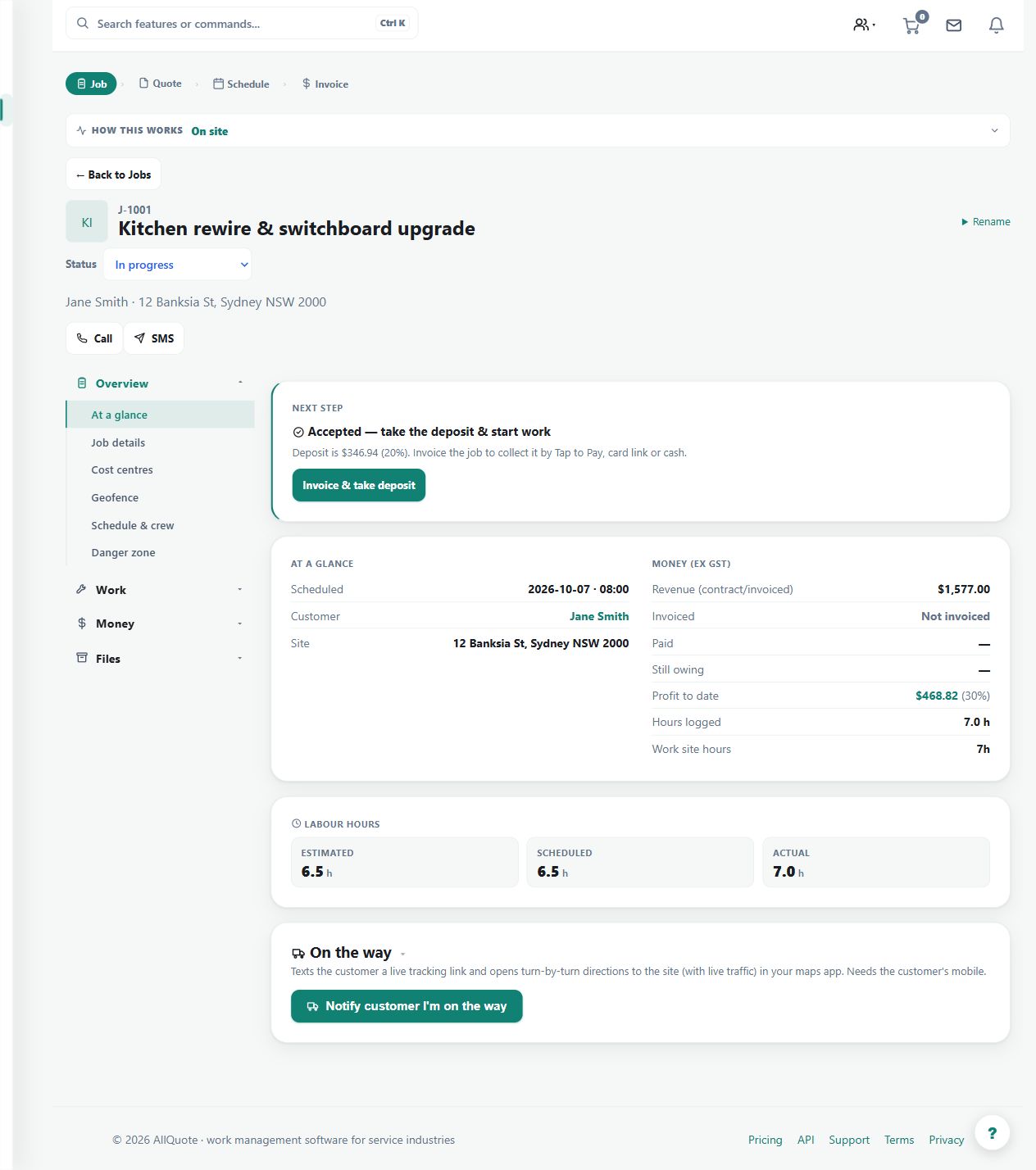
Use the on-my-way workflow to provide a time-limited customer tracking link for an active trip.
Before you start
Availability: Starter plan and above. Enabled business features, role permissions, connected providers and supported devices may add requirements.
Documented roles: Owner, Office, Team. A role name alone does not override the permissions set by your business.
Where to find it: Jobs > Job > On my way.
Confirm the job, destination and customer details, and use the action when the worker is actually setting off.
Using this guide in Canada
- Set your business country in Business settings before entering customer addresses or preparing documents. The country selected on the public website does not change an existing business.
- Check the business currency (CAD), time zone and document tax settings. Only enable tax collection if your business is registered and the settings match your requirements. Your customer invoice tax settings are separate from tax on your AllQuote subscription.
- Screenshots use demonstration records. Their sample currency, addresses and tax amounts do not override your business settings.
- Check the destination country, international dialling code and connected provider coverage before sending. SMS remains a manual action; a reminder or workflow does not authorise an automatic text. Sender names and delivery availability depend on the provider and destination.
Step by step
- Open the relevant job from /jobs.
- Use the job's on-my-way/customer tracking action before travelling to the site.
- Share or rely on the generated customer tracking link while the trip is active.
- The ETA updates until arrival or expiry, then the job returns to normal job tracking.
Worked example
Mark the relevant job as on the way and share the generated link through the intended, deliberate communication action. Review the customer view while the trip is active.
This is an illustrative scenario. Use your own approved scope, quantities, rates and business rules.
Check the result
Check that the link relates to the right job and that arrival or expiry ends the active tracking period.
Limits and troubleshooting
An ETA is an estimate, not a guaranteed arrival time. Creating a tracking link is not permission for automatic customer SMS; sending a text remains a deliberate action.
Check current plans and feature availability · Browse every guide