Step 1
Open the invoice
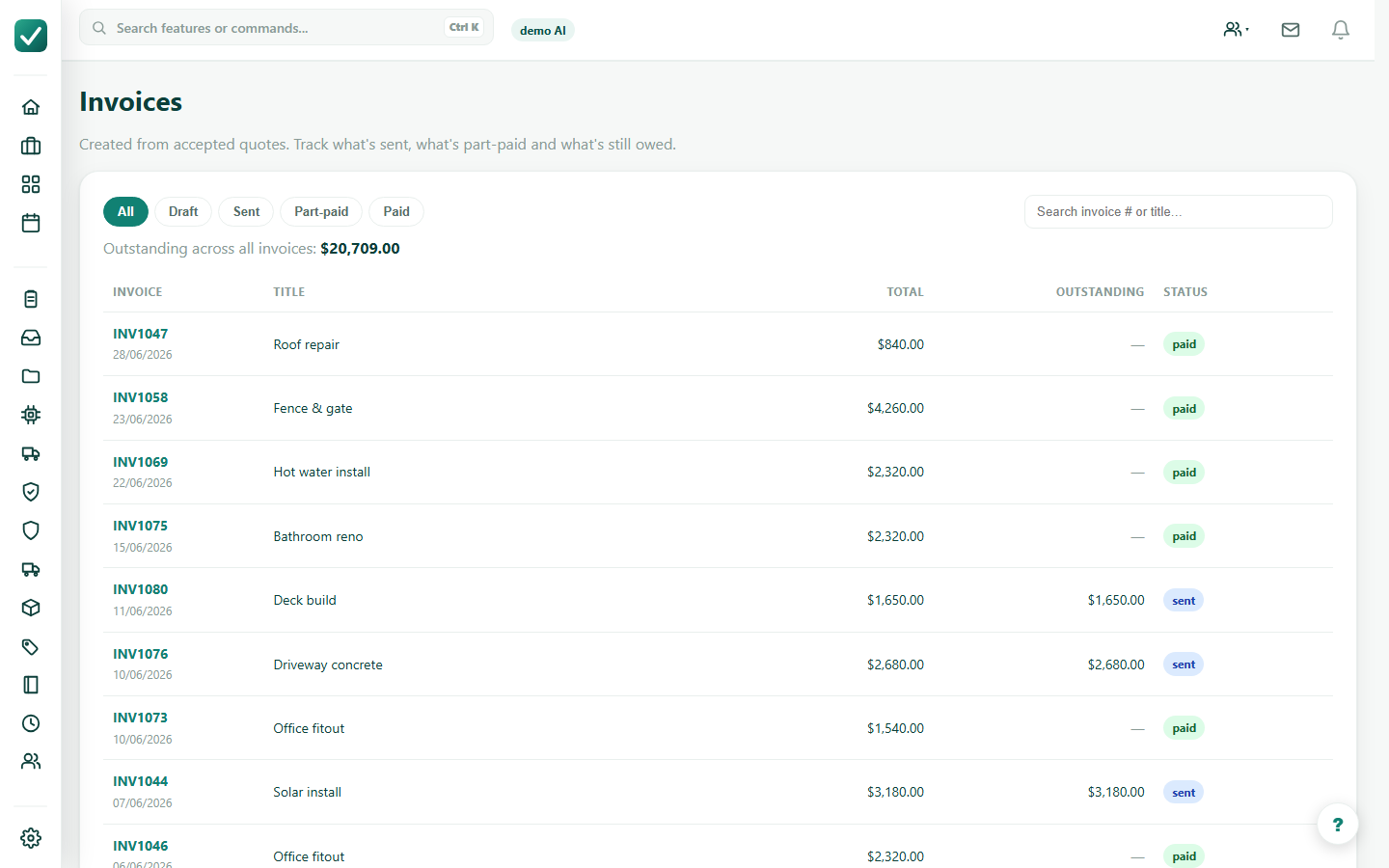
Use Invoices, a job money section, or a quote action to open the invoice that needs payment.
Tutorial
Open an invoice, record a payment received and confirm the balance. Card payment links and Tap to Pay are not enabled for this market. You can record payments received manually.
Use Invoices, a job money section, or a quote action to open the invoice that needs payment.
Check the invoice total, paid amount, outstanding balance and deposit.
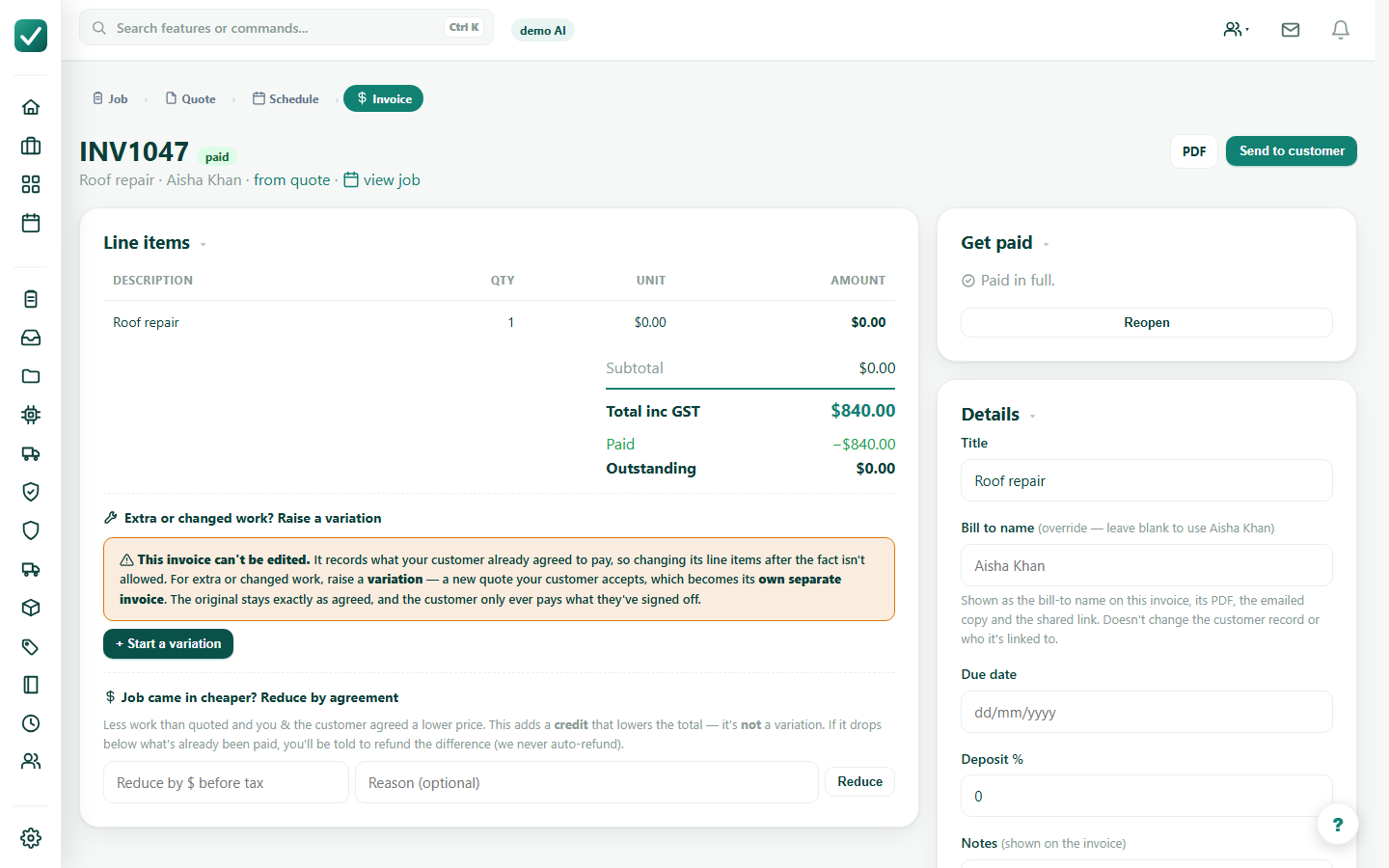
Record a cash, bank, cheque, card or other payment received outside AllQuote. Online card payment links are not enabled for this market.
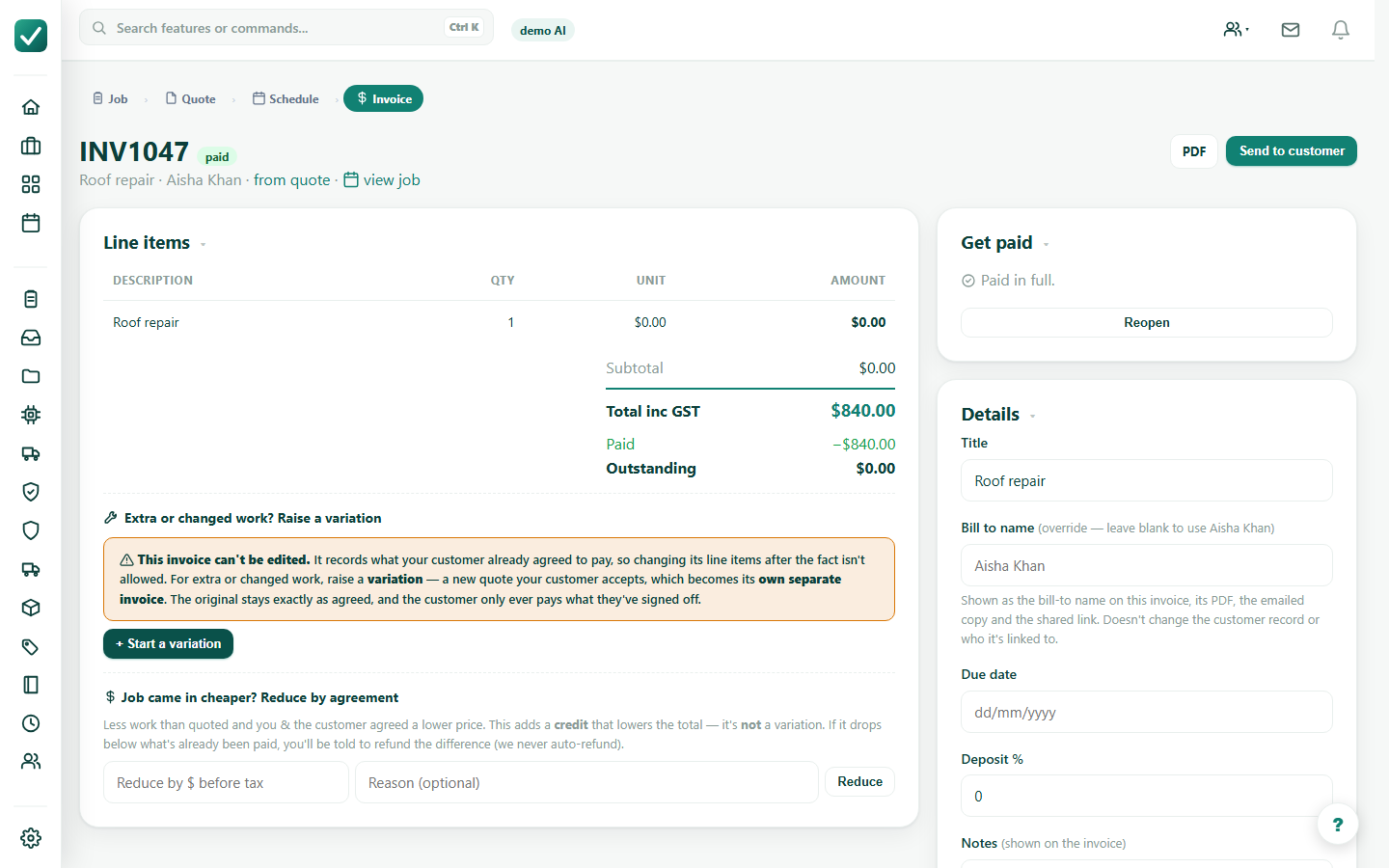
Tap to Pay is not enabled for this market. Use manual payment recording instead.