Maintenance contract retainer fee
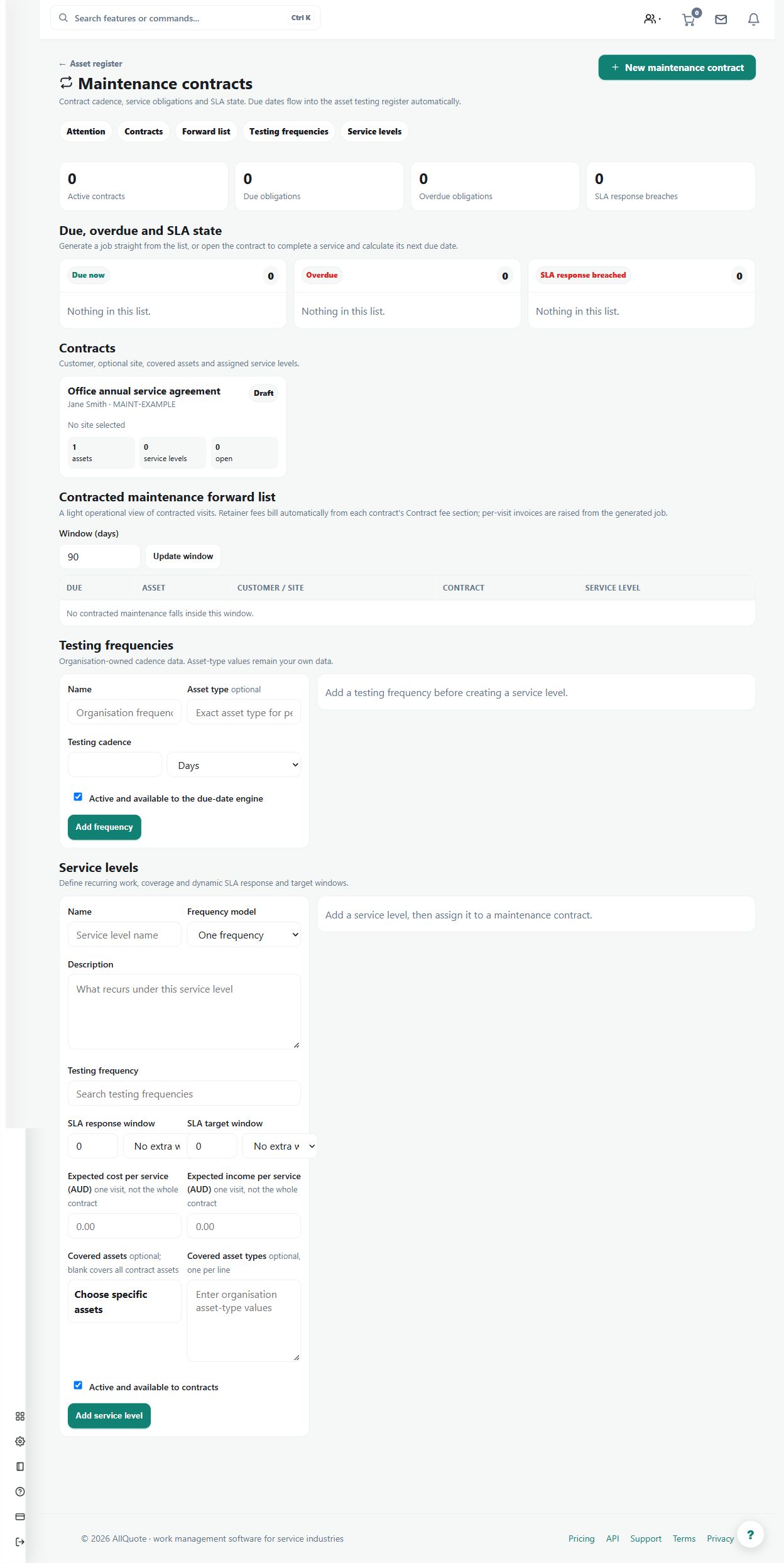
Sets a recurring fee on a maintenance contract - amount, period and description - that the nightly run bills as a draft invoice each period.
Use a recurring retainer fee when a maintenance agreement includes a periodic charge separate from individual work activity.
Before you start
Availability: Business plan and above. Enabled business features, role permissions, connected providers and supported devices may add requirements.
Documented roles: Owner, Office. A role name alone does not override the permissions set by your business.
Where to find it: Work > Maintenance > Contract billing.
Confirm the contract, fee amount, billing period and customer-facing description.
Step by step
- Open Maintenance, choose the contract, and go to its billing section.
- Set the fee amount, the billing period, and the description the customer should see.
- Save the fee; the nightly run raises a draft invoice each period for review before sending.
- Set the fee to 0 to clear it when the retainer ends; the contract and its history stay intact.
Worked example
Set an agreed monthly fee, then review the draft invoice created by the nightly run for the relevant period before sending it.
This is an illustrative scenario. Use your own approved scope, quantities, rates and business rules.
Check the result
Check the contract, period, amount and draft status. Confirm the customer wording matches the agreed fee.
Limits and troubleshooting
Creating a draft is not issuing an invoice or collecting payment. Setting the fee to zero ends future fee generation without deleting the contract history.
Check current plans and feature availability · Browse every guide